
The Ultimate Guide to Back Office Automation for UK Businesses

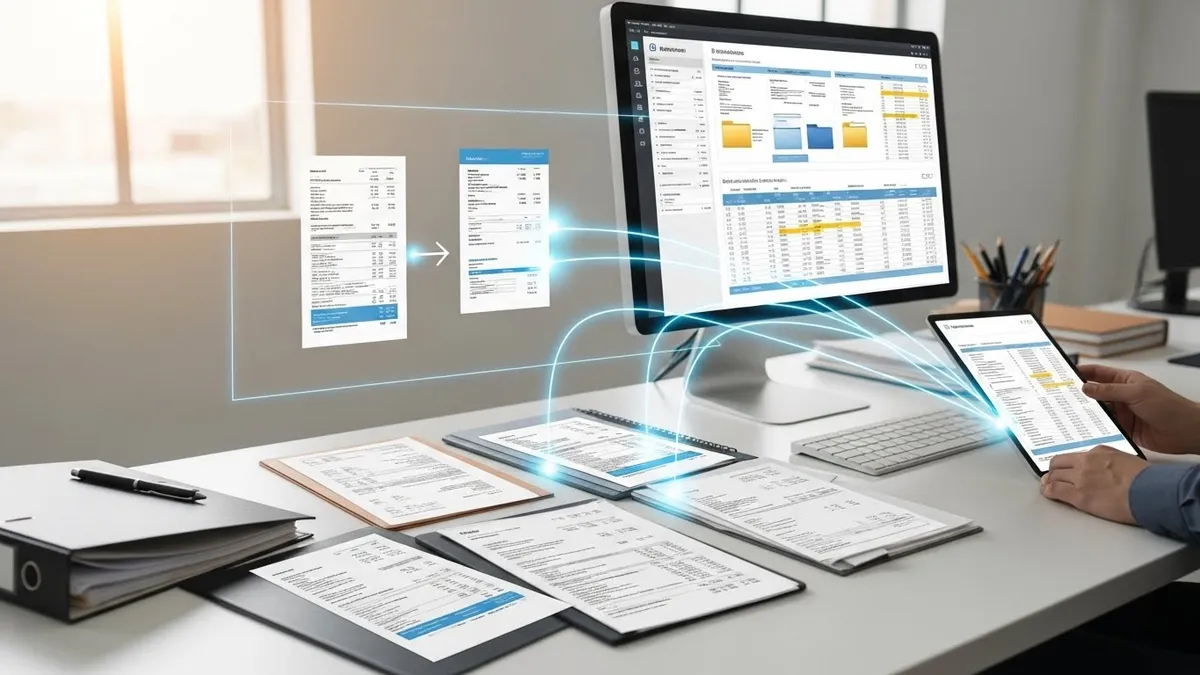
Table of Contents
Are you tired of drowning in paperwork, manual data entry, and repetitive administrative tasks? For many small and medium-sized enterprises (SMEs) in the UK, these operational burdens are a major barrier to growth. The endless cycle of chasing invoices, onboarding staff, and managing vendors consumes valuable time and resources.
Fortunately, there is a powerful solution. Back office automation uses technology to handle these essential but time-consuming tasks for you. It streamlines your operations, freeing up your team to focus on what truly matters: growing your business.
This guide will walk you through everything you need to know. You will learn what back office automation is, its key benefits, real-world examples, and how you can get started.
What is Back Office Automation?
Back office automation is the process of using software to manage and execute repetitive administrative tasks that support the business but are not client-facing. Think of it as a digital workforce that handles the essential, behind-the-scenes work that keeps your company running smoothly.
A Clear Definition
At its core, automation involves creating digital workflows that can run with minimal human intervention. Instead of manually entering data from an invoice into your accounting software, an automated system can extract the information, categorise it, and queue it for payment. The primary goal is to make processes faster, cheaper, and more accurate.
How It Fits into Operations Automation
Back office automation is a crucial part of a bigger picture: operations automation. While the back office focuses on internal administrative functions like HR and finance, operations automation covers the entire business, including customer-facing (front office) activities. By starting with the back office, you build a strong, efficient foundation for the rest of your company. You can think of it as building your business on solid rock instead of sand.
Front Office vs. Back Office Automation: Key Differences
It is important to understand the distinction between the two.
| Aspect | Back Office Automation | Front Office Automation |
|---|---|---|
| Focus | Internal business processes | Customer-facing interactions |
| Examples | Invoice processing, payroll, data entry | Customer support chatbots, sales emails |
| Primary Goal | Increase efficiency, reduce costs | Enhance customer experience, boost sales |
| Impact | Indirectly improves customer satisfaction | Directly impacts customer interactions |
While both are important, optimising your back office first often delivers a significant return on investment by improving your company’s core operational health.
Why Automate Your Back Office? The Core Benefits
Implementing back office automation isn’t just about saving time, it’s about making your business more resilient, competitive, and profitable. The benefits are clear and directly impact your bottom line.
Benefit 1: Drastically Reduce Operational Costs
Manual processes are expensive. They require significant staff hours for tasks that software can complete in seconds. Every hour an employee spends on repetitive administration is an hour not spent on growing the business. Automation directly attacks these hidden costs by cutting down on labour expenses and reducing overheads related to printing, paper storage, and correcting human errors. For a deeper look at this, see our guide on how to cut operational costs with one tool.
Benefit 2: Boost Productivity and Efficiency
When your team is free from tedious administrative work, they can focus on high-value activities. Automation allows your employees to apply their skills to strategic planning, customer service, and business development. This shift not only boosts productivity but also makes your operations leaner and more agile, a concept we explore in how to run a lean office.
Benefit 3: Minimise Human Error and Improve Accuracy
No matter how careful, humans make mistakes. A single data entry error in an invoice or payroll calculation can lead to costly consequences, from incorrect payments to compliance issues. Automated systems follow rules without deviation, ensuring a level of accuracy that is nearly impossible to achieve manually. This is especially critical for maintaining pristine financial and HR records.
Benefit 4: Enhance Security and Compliance
Managing sensitive data in spreadsheets or paper files is a significant security risk. Automation platforms provide a secure, centralised system for handling confidential information. With features like access controls, audit trails, and automated data backups, they help your business meet regulatory requirements like GDPR. According to the UK’s Information Commissioner’s Office (ICO), implementing appropriate technical measures is a fundamental principle of data protection. This is something a modern automation platform handles for you.
Benefit 5: Improve Employee Morale and Focus
No one enjoys spending their day on mind-numbing, repetitive tasks. Automating this work leads to higher job satisfaction and lower employee turnover. It empowers your team by allowing them to engage in more meaningful and creative work, which is a major factor in preventing the tool fatigue that cripples operations.
Real-World Examples of Back Office Automation
Automation isn’t just a theory. It has practical applications across every department. Here are a few common examples of how it transforms back office functions.
For Finance and Accounting Teams
- Automated Invoice Processing: Software automatically extracts data from incoming invoices, matches it to purchase orders, and routes it for approval. This eliminates manual data entry and speeds up payment cycles.
- Expense Report Management: Employees can submit expenses through a mobile app, and the system automatically enforces company policies and sends the report to the right manager for approval.
- Automated Financial Reporting: Generate profit and loss statements, balance sheets, and cash flow reports automatically, giving you a real-time view of your business’s financial health.
For Human Resources (HR) Departments
- Employee Onboarding and Offboarding: A new hire can trigger a complete workflow, from sending out contracts and IT equipment requests to scheduling induction meetings. Learn more about streamlining this process with our solutions for employee onboarding.
- Payroll Processing: Automated systems calculate salaries, taxes, and deductions, ensuring employees are paid accurately and on time every month.
- Leave and Attendance Tracking: Staff can request time off through a portal, which is then automatically routed to their manager. Approved leave is instantly updated in the central system.
For IT and Operations
- Data Entry and Migration: Automatically transfer data between different applications, such as from a web form to your CRM, without any manual copy-pasting.
- User Access Management: When a new employee joins, the system can automatically grant them access to the necessary software and platforms. When they leave, that access is instantly revoked.
- System Backups and Monitoring: Schedule automated backups of critical data to ensure business continuity and prevent data loss.
What Software Controls Back Office Operations?
Choosing the right software is crucial for success. The market is filled with options, but they generally fall into a few key categories. Understanding them will help you decide what tools are truly necessary.
Types of Back Office Automation Tools
- Enterprise Resource Planning (ERP) Systems: These are large-scale platforms that manage and integrate core business processes, from finance and HR to supply chain management.
- Customer Relationship Management (CRM) Software: While focused on the front office, many CRMs have automation features for back-office tasks related to sales and customer data.
- Robotic Process Automation (RPA) Bots: RPA uses software “robots” to mimic human actions, like logging into applications, copying files, and filling in forms.
- Dedicated Workflow Automation Platforms: These are flexible, all-in-one tools designed specifically to streamline and connect various back office tasks. They offer a central hub for managing your operations.
How to Choose the Best Office Automation Tools for Your Business
Finding the right solution requires careful consideration. Don’t just pick the one with the most features. Instead, follow a structured approach.
- Assess your specific needs and pain points: Identify the most time-consuming and error-prone tasks in your current workflow.
- Consider scalability and integration capabilities: Choose a tool that can grow with your business and connect seamlessly with the software you already use.
- Prioritise user-friendliness and team adoption: The best tool is one your team will actually use. Look for an intuitive interface and good customer support.
For a deeper dive, read our guide on how to choose the best operations tool for a growing business.
How Office IQ Streamlines Your Back Office
Instead of juggling multiple disjointed tools, Office IQ provides a single, unified platform to manage all your back office operations. We designed our software to be the operations command center for ambitious UK businesses.
Centralise Your Operations in One Platform
With Office IQ, you can manage everything from vendor contracts and company assets to employee records in one place. This eliminates data silos and gives you complete visibility over your entire business. Discover the real ROI of consolidating your tools and simplify your workflow.
Customisable Workflows Tailored to UK Businesses
Our platform is highly flexible. You can build custom workflows that match your exact processes, whether it’s for client onboarding, purchase order approvals, or incident management. We understand the specific needs of UK businesses and provide tools that align with local compliance and operational standards.
Seamless Integration with Your Existing Software
Office IQ works with the tools you already love. Our platform is built to integrate with leading accounting, HR, and communication software, ensuring a smooth flow of information across your entire technology stack. This means you don’t have to start from scratch.
Conclusion: Take the First Step Towards a Smarter Back Office
Back office automation is no longer a luxury reserved for large corporations. It is an essential strategy for any UK business looking to improve efficiency, reduce costs, and stay competitive. By automating repetitive tasks, you empower your team to focus on strategic initiatives that drive real growth.
The key benefits: cost savings, increased productivity, and enhanced accuracy, are too significant to ignore. The first step is to identify the bottlenecks in your operations and explore the solutions that can solve them.
Frequently Asked Questions (FAQ)
What is the primary goal of back office automation?
The main goal is to increase operational efficiency by using software to handle repetitive, manual administrative tasks. This leads to reduced costs, fewer errors, and allows employees to focus on more strategic, high-value work.
Is back office automation expensive to implement?
The cost can vary depending on the solution. While large-scale ERP systems can be expensive, modern cloud-based platforms like Office IQ offer affordable subscription models (see our pricing) that provide a quick return on investment, especially for SMEs.
Can small businesses benefit from automation?
Absolutely. Small businesses often have lean teams, making the time-saving benefits of automation even more impactful. It allows them to compete with larger companies by operating with greater efficiency and agility.
How long does it take to see a return on investment (ROI)?
Many businesses see a positive ROI within a few months. The savings from reduced labour hours, fewer errors, and faster processing times quickly add up. The improved efficiency and employee productivity also contribute to long-term profitability.
Ready to streamline your SaaS compliance?
See how VendorFi's automated platform can help you manage risk and reduce spend across your entire vendor portfolio.